
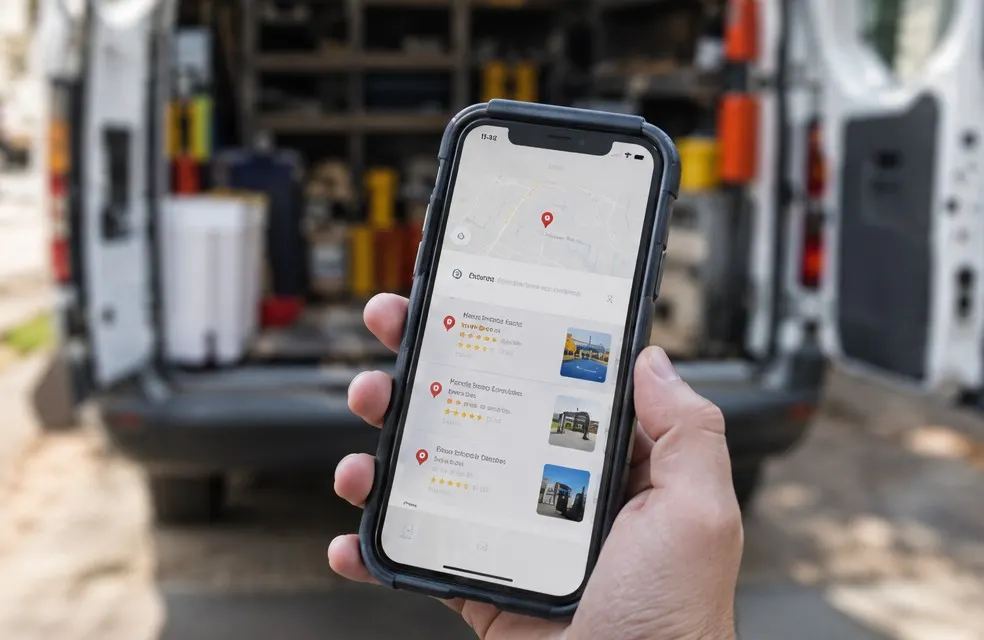
When someone searches "handyman near me" or "TV mounting Plantation", Google shows three businesses on a map before any website. That box is the map pack, and for a handyman it brings more calls than anything else. You get there with a free Google Business Profile, set up completely and kept active.
1. Claim and verify the profile
Go to Google Business Profile and search for your business name. If it exists, claim it. If not, create it. Google will verify you, often by video showing your truck, your tools and your business documents. Do it right away; an unverified profile does not show up.
2. Use your real business name
Use the name on your registration and your truck. Adding keywords ("Fix It Fast Handyman TV Mounting Drywall Plantation") breaks Google's rules, and competitors report it. Profiles get suspended for this.
3. Pick the right categories
- Primary category: Handyman. This matters more than any other setting
- Secondary categories: only ones that match real work you do, chosen from Google's list
Do not add categories for work you do not do or are not licensed for.
4. Set up as a service-area business
Most handymen work at the customer's home. Hide your home address and list the cities or zip codes you serve. You can add up to 20 areas. Be realistic: Google still favors businesses closer to the searcher, so listing a city 60 miles away rarely helps.
5. Add every job as a service, with prices
Under Services, add each job separately: TV mounting, drywall repair, furniture assembly, door repair, light fixture installation, ceiling fan installation, caulking, shelf installation. Write a short description and add a starting price where Google allows it. These help you match searches for the specific job.
6. Hours and phone
- Set your real hours. If you take same-day calls, show it
- Use a local phone number that someone or something answers every time
- Add your website link, ideally to a page with prices and booking
7. Photos, every week
Profiles with fresh photos get more calls. Add:
- Before and after shots of each job (ask the customer, and skip faces and house numbers)
- You and your truck, with your name on it
- Your tools set up neatly at a job
Aim for two or three new photos a week. Phone photos are fine.
8. Reviews, and your replies
Reviews are one of the biggest factors in the map ranking. Ask every happy customer, send a direct link by text, and reply to every review within a day or two. Thank people by name and mention the job: "Thanks, Laura. Glad the TV is up and the wires are gone." Our guide on getting more Google reviews has the exact texts to send.
9. Posts and Q&A
Google lets you publish short updates. Once a week, post a recent job with a photo: "Mounted two 65-inch TVs in Davie, wires hidden in the wall." Also add common questions and answers yourself: "Do you bring the TV bracket?" "Do you charge by the hour?"
10. Keep your details the same everywhere
Your name, phone and website should match exactly on your Google profile, your website, Facebook, Nextdoor, Yelp and directories. Inconsistent details make Google less sure about you.
Check your results every month
Google shows you how many people saw your profile, how many called, asked for directions or visited your website, and which searches found you. Look once a month. If "TV mounting" brings views but no calls, add photos and a price for that service. If calls drop, check that your phone is being answered and your hours are right.
Mistakes that hide handymen
- A keyword-stuffed business name
- A virtual office or a mailbox as your address
- Two profiles for the same business
- No photos and no reviews for months
- A website link to a page that does not load on a phone
Connect it to your website
Your profile sends people to your site, and your site helps your profile rank. A handyman website with a page for every job and every town in your service area, prices and structured data gives Google more reasons to show you for each search. For the full plan, read how to get handyman customers.
Frequently asked questions
What category should a handyman use on Google?
Handyman as the primary category. Add secondary categories only for work you actually do and are allowed to do.
Should a handyman show their home address on Google?
No. Set up as a service-area business, hide the address and list the cities or zip codes you serve.